


Animal Crossing: New Horizons reshaped cozy gaming in 2020 during the height of the pandemic. Now, as Nintendo‘s latest update and expanded Switch 2 edition are coming out on January 15, people want to know how to switch over their islands and gaming data to the Switch 2.
It’s a bit of a process to get everything transferred over smoothly, but we’ve got you covered!
How to transfer your Animal Crossing: New Horizons island to Switch 2
While many games can easily be transferred over from Switch to Switch 2, Animal Crossing: New Horizons is one of those games that comes with special steps to avoid losing data. To make the transfer, you’ll need three things: the Switch and Switch 2 you want to transfer data between and the Island Transfer Tool, which is a free download available in the Nintendo eShop. You’ll need this transfer tool on both gaming consoles for it to work.
It’s important to note that the save file itself will be moved over to the new console and will no longer be available on the old one.
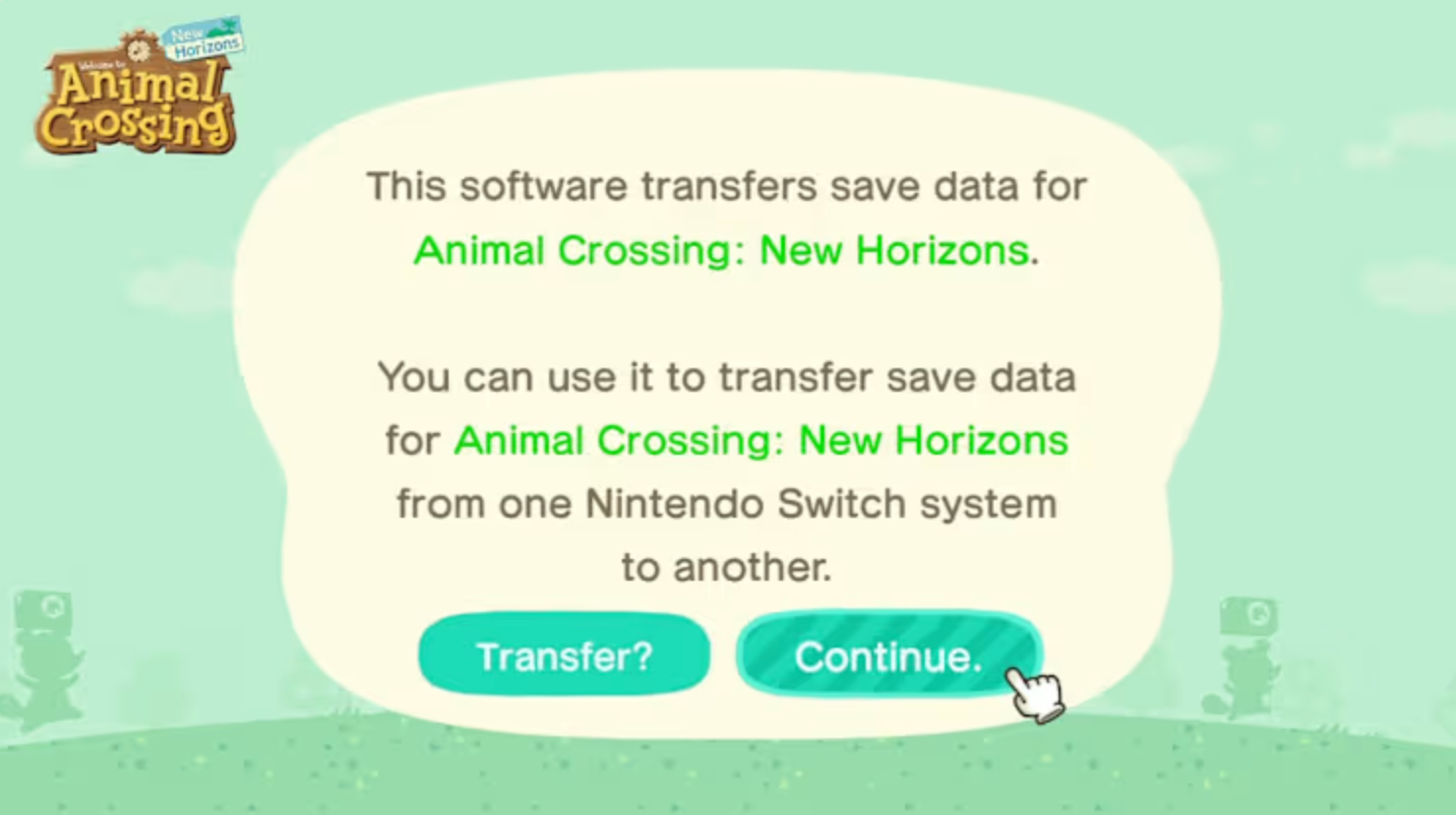
Before starting the transfer, be sure that airplane mode is turned off and both consoles have the latest software update installed.
With the Island Transfer Tool loaded on both devices, follow the step-by-step instructions on the screen:
- Select Continue and Let’s Begin on both consoles.
- On the original Switch your island is hosted on, select Source.
- Select Yes when the name of your island pops up.
- On the Switch 2, select Target (this is the target console the data is being transferred to).
- On the original Switch, click Continue.
- On the Switch 2, select Proceed.
- On the original Switch, select Transfer Data.
- Finally, select Proceed on the Switch 2 console, and your transfer will begin!
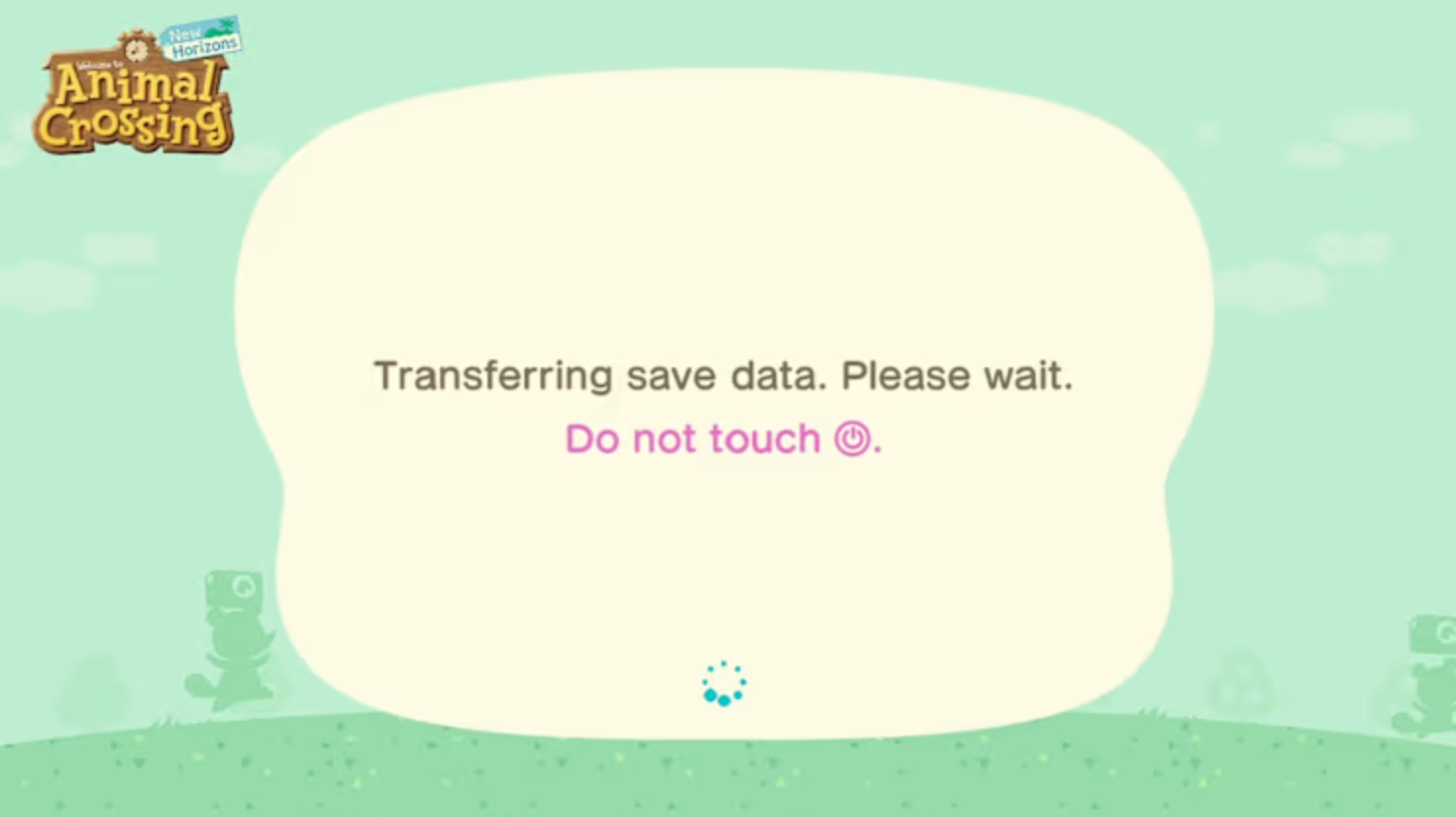
What happens after the transfer is finished
These same instructions can be used to transfer islands to a new system and aren’t a one-time transfer. Once the last step is completed, the island will no longer be available on the original Switch console and will immediately be available to play on the Switch 2. Villagers, progress, and layouts all will carry over intact.
The update for Animal Crossing: New Horizons comes on Jan 15, 2026, and the Switch 2 update includes features such as enhanced resolution, batch crafting, a megaphone to call animal residents to you, and even 12-player sessions in-game.
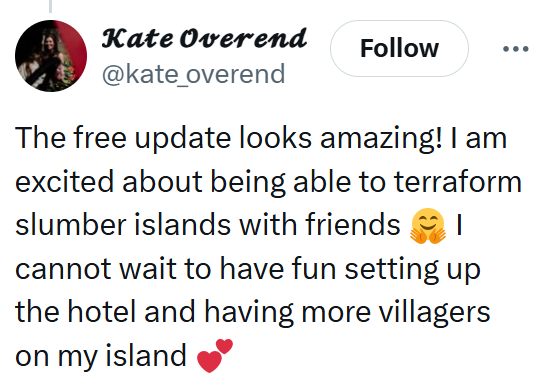
@EvetheDragon84 tweeted, “I hope you can call anyone with the megaphone and not just villagers, but either way super excited!!! 😁🙌” Meanwhile, @Jadenfire shared their excitement for the update, saying, “Batch crafting! Batch crafting from storage! SQUEE!”
The internet is chaotic—but we’ll break it down for you in one daily email. Sign up for the Daily Dot’s newsletter here.


